
Carpool Karaoke AI Examples
These Carpool Karaoke AI examples were made on this site from the seat photos shown with each one, at the default HD (720p) setting, with the original “Walk It Like I Talk It” hook lined up automatically, and are shown exactly as they came out. Every rider in them — people and pets — was made with AI. Tap a video to watch it with sound.
Crews and duos
Pet carpool karaoke
Mark a seat as a pet and it sits up, bobs to the beat and mouths along — on its own or next to its people.
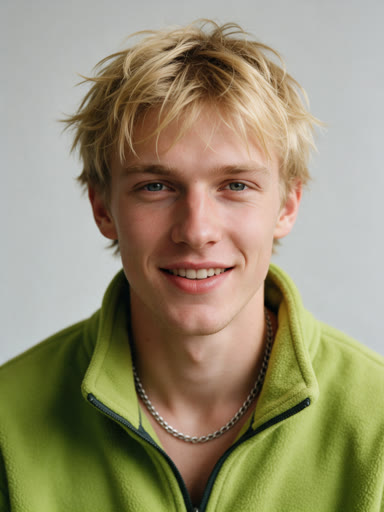 A four-rider crew, 9:16The cuts follow the trend: back-seat close-up, the driver from the side, the lead leaning into the lens, then the wide windshield shot.
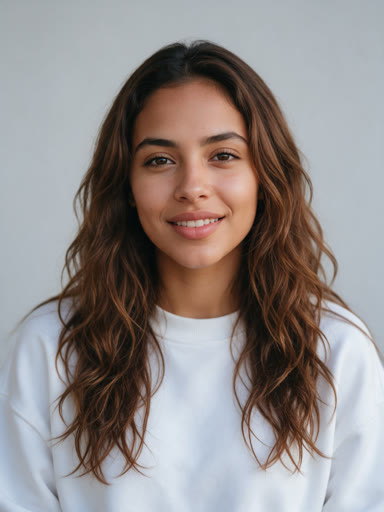 Two riders up front, 9:16Only two photos: the empty back seats were filled with the default passengers.
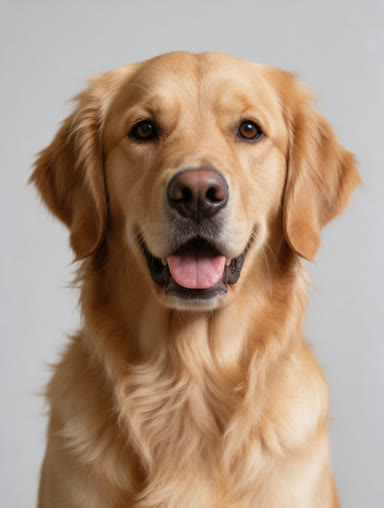 A dog on shotgun, 9:16The golden retriever sits upright on shotgun and opens its mouth with the beat.
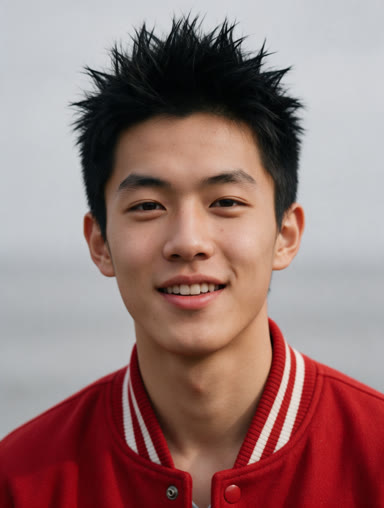 A four-rider crew, 16:9The widescreen version, closer to the TV segment’s framing.
What carries over from each photo
Each rider keeps the face, hair or fur and outfit from the photo in their seat. The car, the daylight and the camera cuts come from the trend: close-ups of the back seat, the driver and the front passenger, and the wide windshield shot of all four, timed to the hook.
How the Carpool Karaoke AI examples were made
Each of these Carpool Karaoke AI examples went through the same generator you use: the same safety checks, the same AI-made SUV, the same camera cuts and the same audio alignment. We picked crews that show what the tool can do — a full four-seat crew, two riders with default passengers in the back, people and pets together, and a car of pets only — and posted the first run of each, without edits or retries.
Which seat does what in a Carpool Karaoke AI example
- 1 · Shotgun (lead): leans into the lens and gets the most close-ups, like the lead singer in the original clip.
- 2 · Driver: hands on the wheel, reacting wide-eyed between lines.
- 3 and 4 · Back seat: open the video with a close-up and bounce along in every wide shot.
Why two runs look different
Every video is generated from scratch, so gestures, expressions and small details of the car change a little from run to run, while the cuts and the hook stay the same. The audio is lined up for each clip by measuring where the riders start rapping, so the four “Walk it like I talk it” lines land on the right mouths.
How to get a result like these
- One sharp, front-facing photo per seat: no sunglasses, no heavy filters.
- Crop group photos so each seat gets a single face.
- Distinct outfits help the AI keep riders apart.
- Pick 9:16 for TikTok and Reels, or 16:9 like the TV segment.
- Try a new crew at 480p for half the credits, then make the HD version.
Make your own Carpool Karaoke AI video
A 15-second HD video is $9.90, or $4.99 each in the 10-video pack, with no subscription. Read how to make a Carpool Karaoke AI video or go straight to the Carpool Karaoke AI video generator.